
Knowing who follows you back on Instagram used to be easy. You could open someone’s profile, see the “Following” list in order, and check. But Instagram has changed how connections work over the past few years, and in 2026, the platform is making even bigger moves around mutual connections.
If you want to see who actually follows you back, whether to clean up your following list, verify a connection, or just satisfy curiosity, this guide walks through every method available right now.
Quick Answer
The fastest way to check if a specific person follows you back is to visit their profile and look for the “Follows you” label in gray text under their username. If it is not there, they do not follow you. For checking multiple accounts at once or seeing when follow-backs happened, you will need a third-party tool.
What Changed: Instagram’s New “Friends” Feature
Instagram is in the middle of a significant shift in how it displays connections. In late 2025, the platform began testing a “Friends” count on profiles that replaces the “Following” number. Friends, as Instagram defines it, means accounts that follow each other, which is another way of saying mutual followers.
A Meta spokesperson confirmed the test in early 2026, explaining that “friends are central to the Instagram experience” and that they are exploring ways to make those connections more visible (Social Media Today, Jan 2026).
Some users now see three tabs on profiles: Friends, Followers, and Following. Others still see the traditional layout. The rollout is gradual and region-dependent (PiunikaWeb, Jan 2026).
This matters because it means Instagram is officially making mutual connections a front-and-center feature. If you see the Friends tab, tapping it shows only the accounts that follow you back.
But the Friends feature has limits. It only applies to your own profile or profiles you visit. There is no way to check whether two other accounts follow each other. And there is no history or timeline showing when a follow-back happened.
Method 1: Check on the Instagram App
The simplest approach, no tools needed.
To check one person:
Open the person’s profile in the Instagram app. Look for “Follows you” in gray text under their username. If you see it, they follow you back. If you see nothing, the follow is one-sided.
To check your full list:
Go to your own profile and tap “Following.” This shows everyone you follow. Next, go to “Followers.” Compare the two lists. Anyone who appears in Following but not in Followers does not follow you back.
Instagram does not make this comparison easy. The app does not sort by mutual status, and the lists use algorithm-based ordering rather than chronological order. If you follow hundreds or thousands of accounts, manual comparison is not practical.
Method 2: Use the Instagram Friends Tab (if Available)
If your account has the new Friends tab:
Go to your profile. Look for the “Friends” count next to Followers and Following. Tap Friends. This list shows only accounts where you follow each other. Anyone missing from this list either does not follow you or does not follow you back.
If you do not see the Friends tab yet, it has not been rolled out to your account. There is no way to manually enable it. Instagram controls the rollout.
Method 3: Use a Mutual Follow Checker Tool
For checking whether specific accounts follow each other, or for monitoring follow-backs over time, external tools provide what Instagram does not.
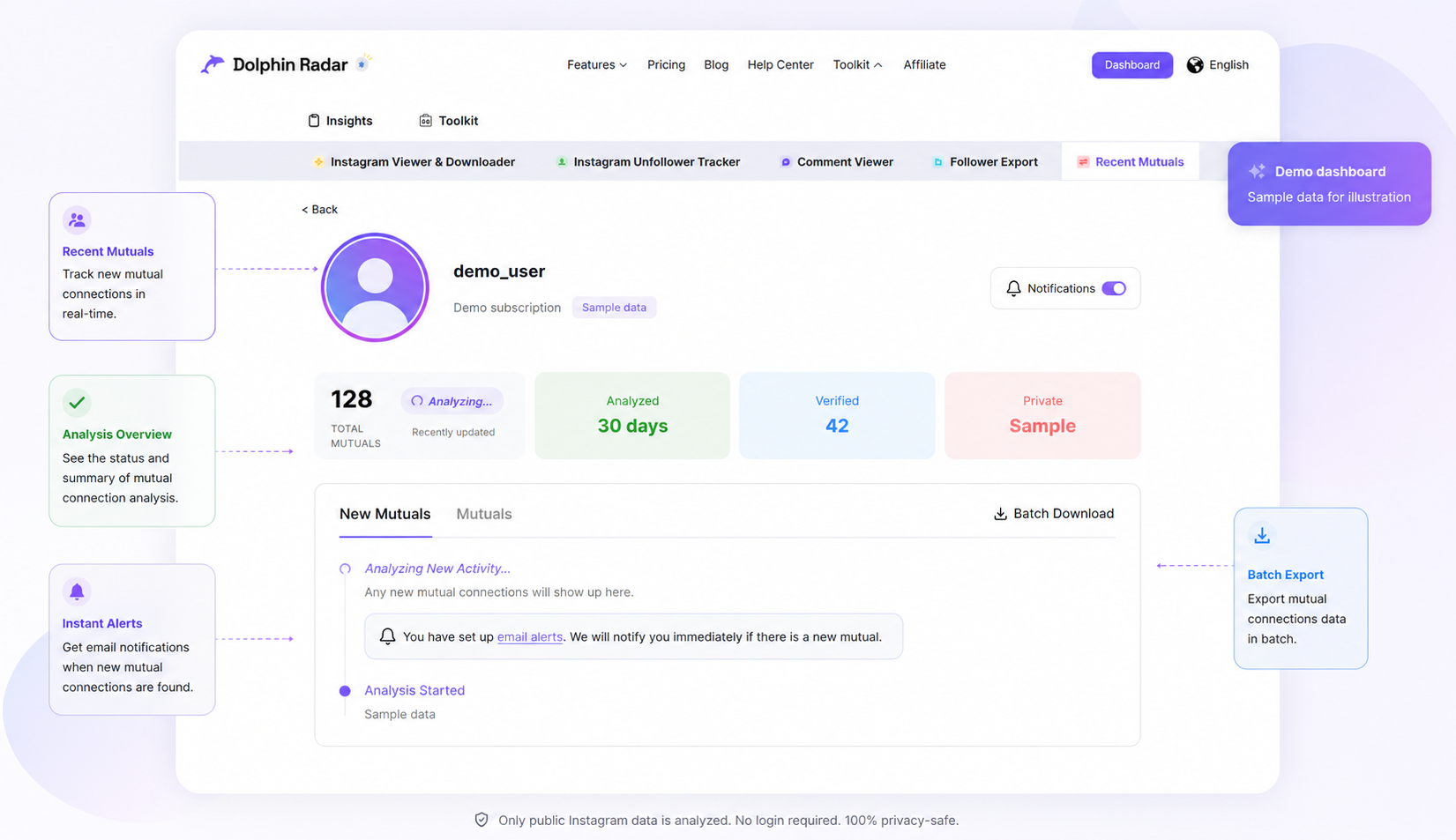
DolphinRadar’s mutual follow tracker lets you enter any public Instagram username and see which connections are mutual. The tool cross-checks both follow directions and shows results on a timeline. It also supports email alerts for new mutual connections, so you can track when a follow-back happens without checking manually.
Other tools in this space include Snoopreport, which provides weekly activity reports with follow tracking data but does not show real-time mutual status. Inflact offers general profile analysis but lacks a dedicated mutual follow feature.
The key difference with a dedicated mutual follow checker is that it works on any public account, not just your own. If you want to see whether two accounts you do not own follow each other, this is the only reliable method in 2026.
What About Private Accounts?
Private accounts hide their follower and following lists from anyone who does not follow them. No external tool can access this data. If the account is private and you are not an approved follower, you cannot check mutual follow status through any method.
If a private account later switches to public, most tracking tools will show results within a few minutes of the change.
Why People Want to Know Who Follows Them Back
Understanding follow-back status is useful for several reasons:
Cleaning up your following list. Many users periodically remove accounts that do not follow them back. This helps maintain a balanced follower-to-following ratio and keeps your feed more relevant.
Verifying new connections. When you follow someone new, you might want to know if they reciprocated. Instagram does not make this obvious unless you manually check.
Relationship awareness. Mutual follows signal a level of reciprocity that one-sided follows do not. Instagram’s own algorithm uses mutual connections as a signal for content recommendations, follow suggestions, and the Explore page, according to the platform’s recommendation system documentation.
Professional networking. For businesses and creators, knowing which industry accounts follow you back helps identify genuine relationships versus passive followers.
Instagram’s Direction: Mutual Connections Getting More Visible
Instagram’s recent feature updates all point in one direction: mutual connections are becoming more important.
The Friends tab in Reels, launched globally in August 2025, shows content that your mutual followers interacted with (TechCrunch, Aug 2025). The Instagram Map lets you share your location with friends (defined as mutual followers). The new Instants feature lets you send disappearing photos to close friends and mutual followers.
Instagram head Adam Mosseri has been vocal about the platform’s pivot toward friend-focused experiences. The pattern is clear: Instagram wants mutual connections to drive more of the app’s social interaction.
This means the demand for tools that track and verify mutual follow status is likely to grow. Instagram may eventually add a native mutual checker, but as of mid-2026, it has not done so.
Conclusion
Seeing who follows you back on Instagram ranges from simple (checking one profile) to complex (monitoring multiple accounts over time). Instagram’s new Friends count is a helpful step but is limited to your own profile and not available to everyone.
For a broader view, including checking mutual status for accounts you do not own and tracking when follow-backs happen, tools like DolphinRadar’s Recent Mutuals provide what Instagram currently does not.
FAQ
How do I see who does not follow me back on Instagram?
Go to your Following list, then check each account’s profile for the “Follows you” label. For a faster method, use a mutual follow tool that shows one-sided versus mutual connections for any public account. Instagram does not offer a built-in list of accounts that do not follow you back.
Does Instagram’s new Friends feature show who follows me back?
Yes, but only on your own profile and only if the feature has been rolled out to your account. The Friends count reflects mutual followers, meaning accounts that follow each other. Tapping Friends shows only those accounts. The feature is still in a phased rollout as of mid-2026.
Will someone know if I check whether they follow me back?
No. Viewing someone’s profile on Instagram does not generate a notification. Using external tools that analyze publicly available data is also anonymous. DolphinRadar does not require an Instagram login and does not interact with any account.
Can I see mutual followers between two accounts I do not own?
Instagram does not allow this natively. When viewing someone else’s profile, you only see followers you share with that account. To check whether two accounts you do not own follow each other, you need a tool like a mutual follow checker that cross-checks both directions using public data.
What is the difference between followers and friends on Instagram?
Followers are all accounts that follow you, including one-sided follows. Friends, as defined by Instagram’s new profile feature, are only the accounts that follow you and that you follow back. In other words, friends are mutual followers. The Friends count is always equal to or smaller than your Followers count.